FetchJ for Windows
Free to try for 30 days, with all features. No card, no prior sign-up.
Windows 7 to 11 · updates itself · from the official FetchJ download page
Other platforms
Installation step by step
Download
Click the button above. The file FetchJ_Setup.exe arrives in your “Downloads” folder.
Start
Double-click the file. The installer guides you in a few steps.
For whom
Choose “just for me” (no administrator rights) or “for all users”.
Assistant
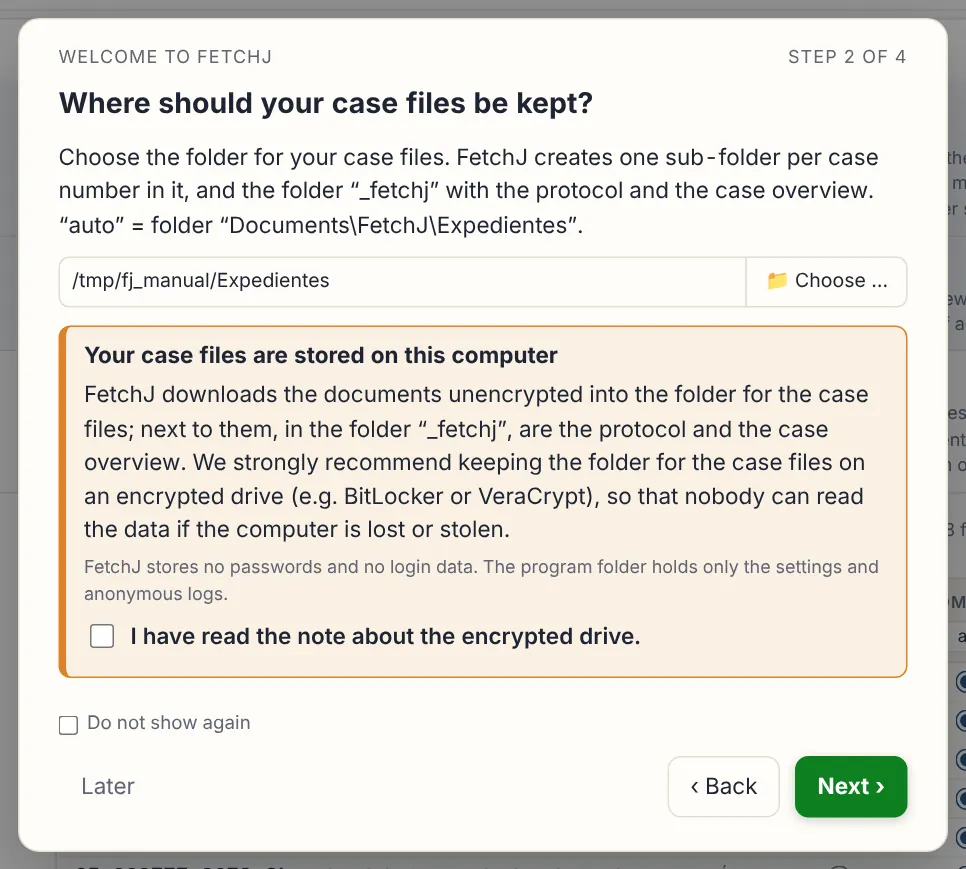
At the first start an assistant asks where to keep the case files and opens the portal. You log in.
Case index
The first update only fetches the list of your cases – under a minute. Choose which cases and from which date.
Documents
With “Start update” FetchJ downloads the documents. After that, only what is new.
You log in – FetchJ never sees your password
Everything stays on your computer
Installs in 2 minutes, no administrator needed
Every download is logged. Documents are never changed.
Need help installing? Write to us – we answer as soon as possible. fetchjudicial@gmail.com